
Academic Integrity Student Tutorial Part 3: Using Turnitin in Canvas

OTLE1003 - Academic Integrity Student Tutorial Part 3: Using Turnitin in Canvas

Estimated 1-Hour Workload

$0.00
  • feature icon Professional Development
  • feature icon All Level
  • feature icon Estimated 1-Hour Workload
  • feature icon Accessible for 180 days

Description

This course is the third in a series of self-paced tutorials on academic integrity. In this tutorial, we will take a closer look at Turnitin, a text-matching tool embedded in the Canvas classroom. Click the Start Course button to begin. Note: This tutorial is intended for students who use the Canvas classroom and is not intended for students in Tempo programs who use Brightspace.

What You Will Learn

  • In this tutorial, we will take a closer look at Turnitin, a text-matching tool embedded in the Canvas classroom. Note: This tutorial is intended for students who use the Canvas classroom and is not intended for students in Tempo programs who use Brightspace.

Awards

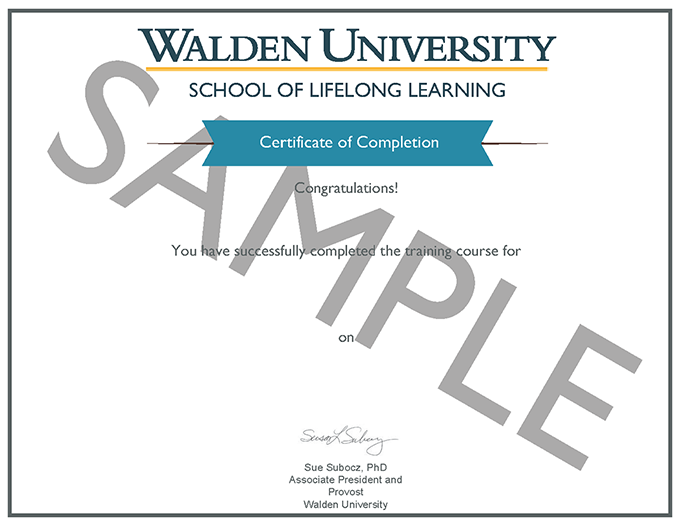
Certificate of Completion

Certificate of Completion

$0.00
  • feature icon Professional Development
  • feature icon All Level
  • feature icon Estimated 1-Hour Workload
  • feature icon Accessible for 180 days